 Jobomatefind work, or find people, with you in control
A real browser and an AI assistant, working the job market together.
Jobomate puts a full web browser and a smart assistant side by side in one window. Job seekers find roles and send tailored applications. Recruiters source candidates and send personalised outreach. The assistant does the searching and the writing, grounded in your CV or role brief, and nothing leaves your inbox until you approve it.

Find, draft, approve, send.
Jobomate does the searching and the writing. You decide what actually gets sent, so you are always the one in the driver's seat, whether you are applying for jobs or filling them.
One app, two jobs
Pick the side of the table you are on.
A single toggle switches Jobomate between helping you get hired and helping you hire. The toolbar changes to match, but the rhythm is the same: the assistant finds, drafts, and prepares, and you approve.
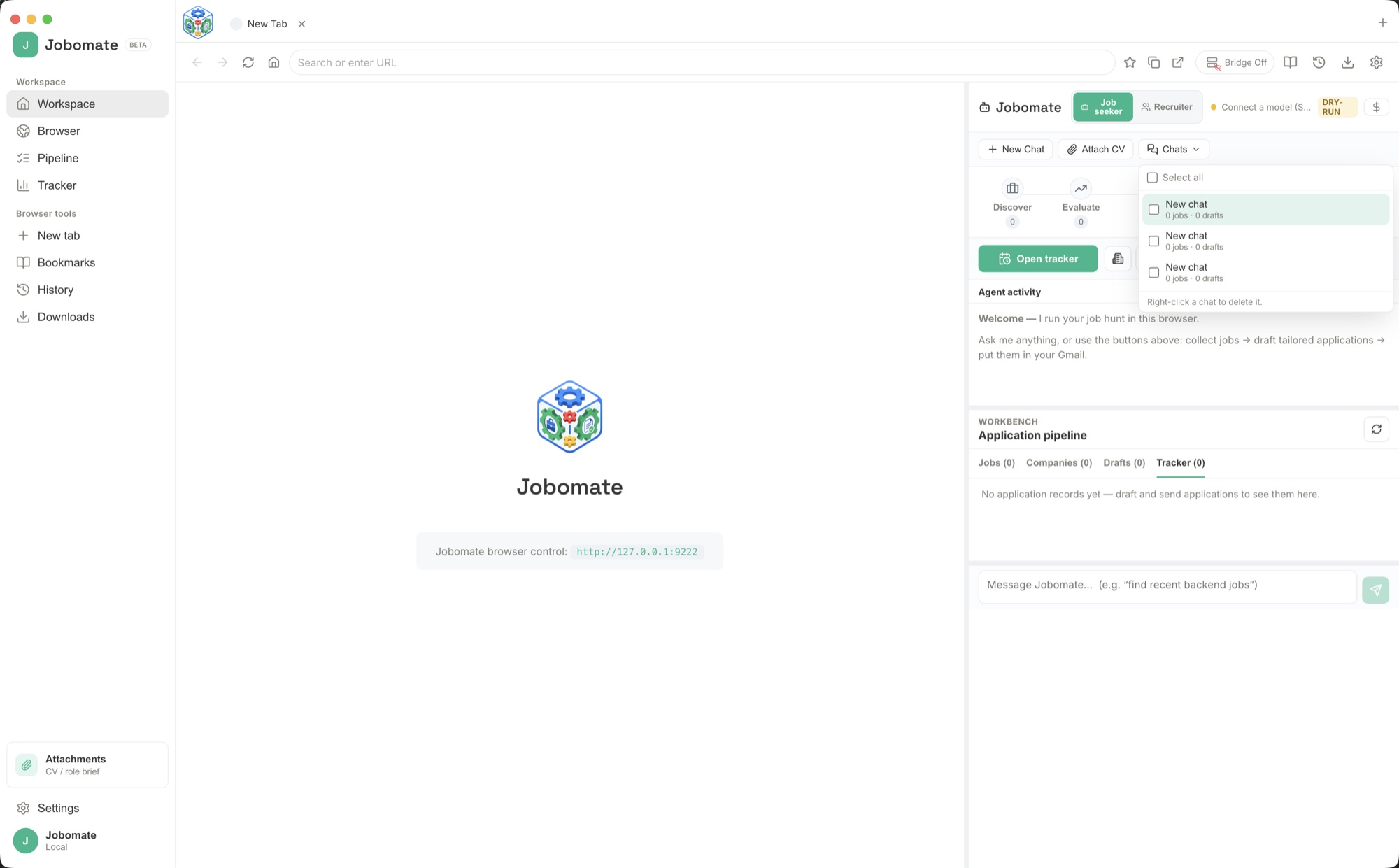
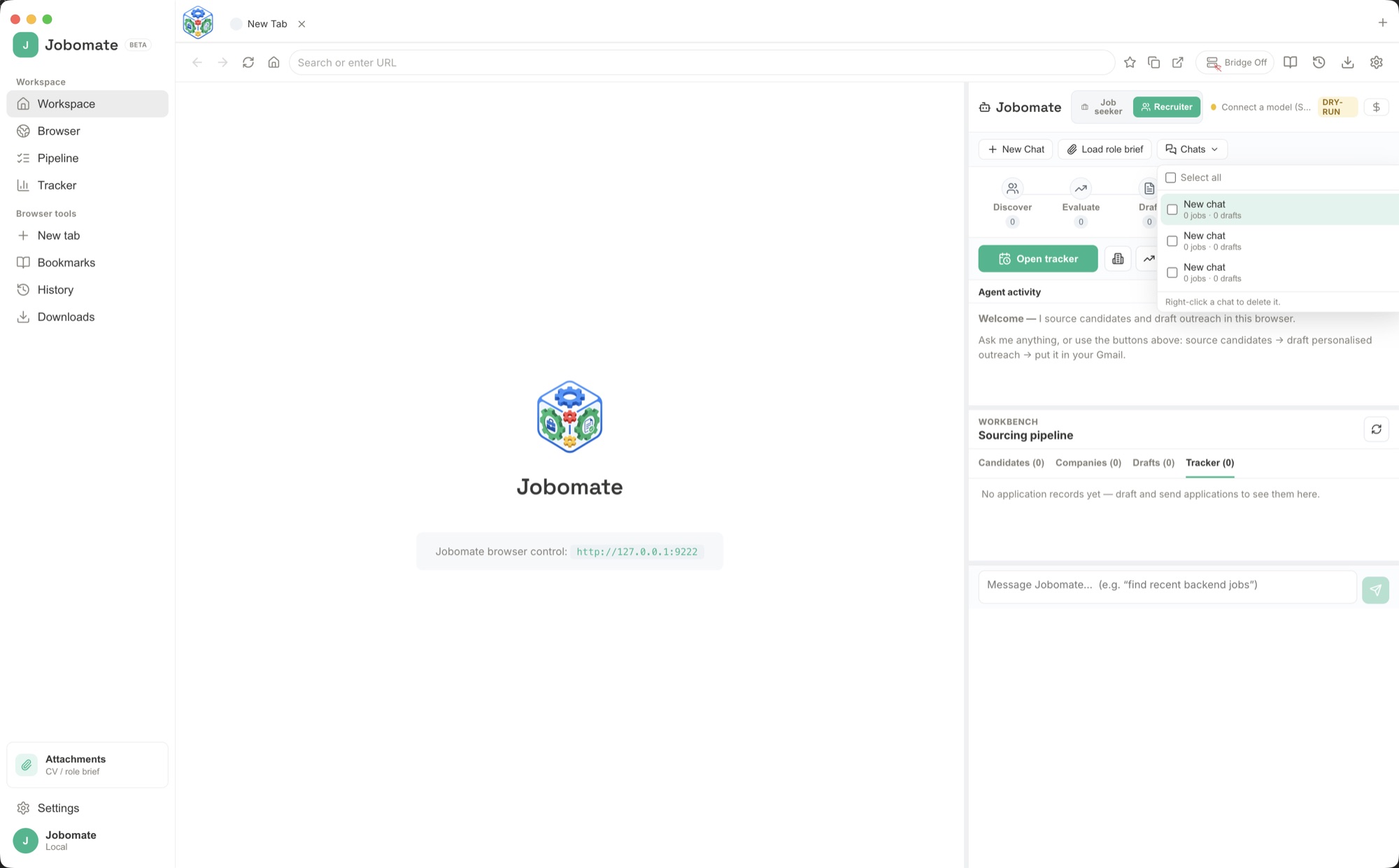
How to set it up and use it
From install to your first approved application.
Jobomate is designed to be useful within minutes. Here is the whole path, from opening the app for the first time to sending a real, tailored message that you signed off on.
Install and pick a mode
Open Jobomate and choose Job seeker or Recruiter with the toggle at the top of the assistant panel. You can switch anytime; the toolbar and actions change to match the job at hand.
Give it your ground truth
Click Attach CV (job seekers) or Load role brief (recruiters) and pick the file. Everything the assistant writes is grounded in this, so applications reflect your real experience and outreach reflects the real role.
Connect your AI
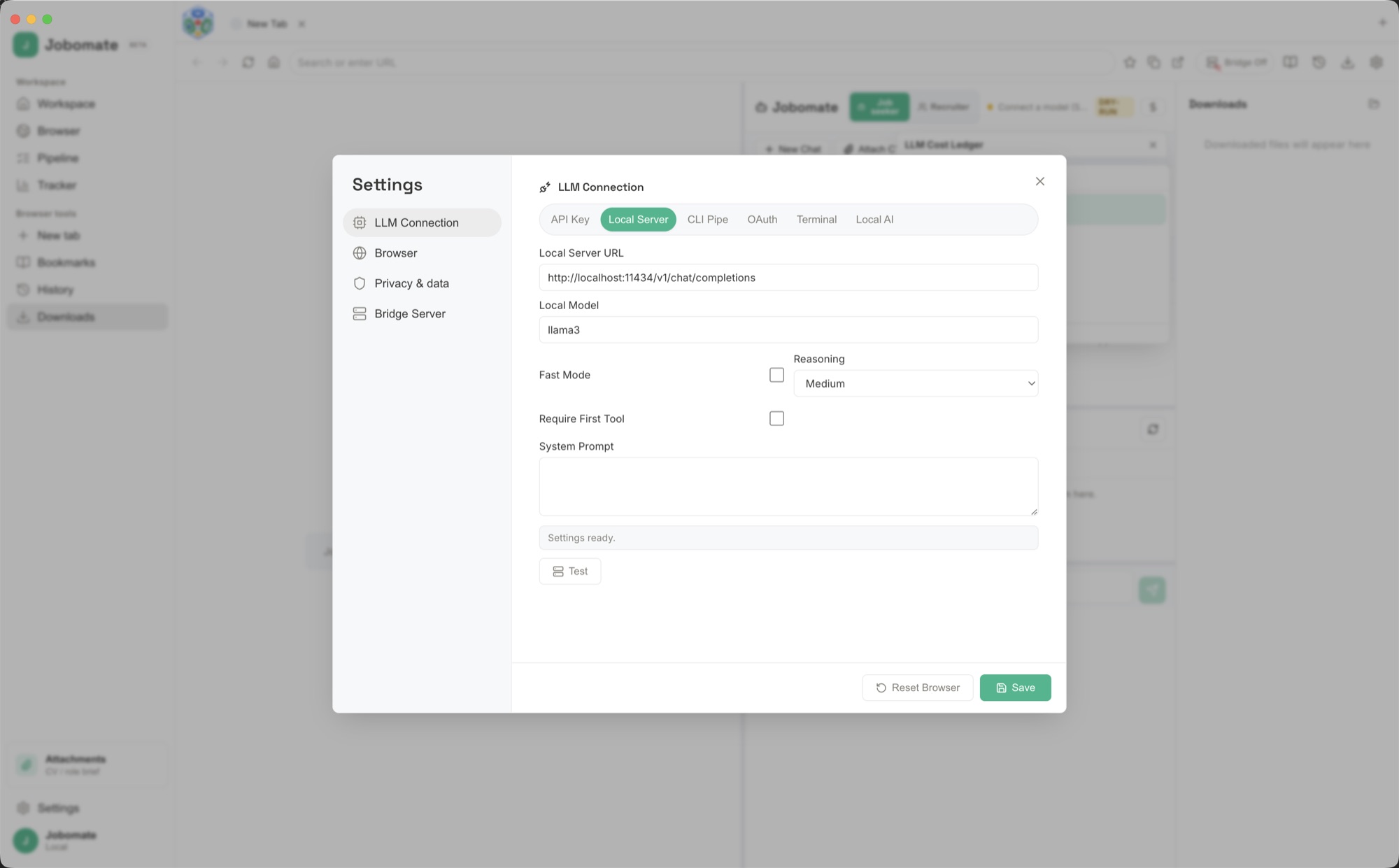
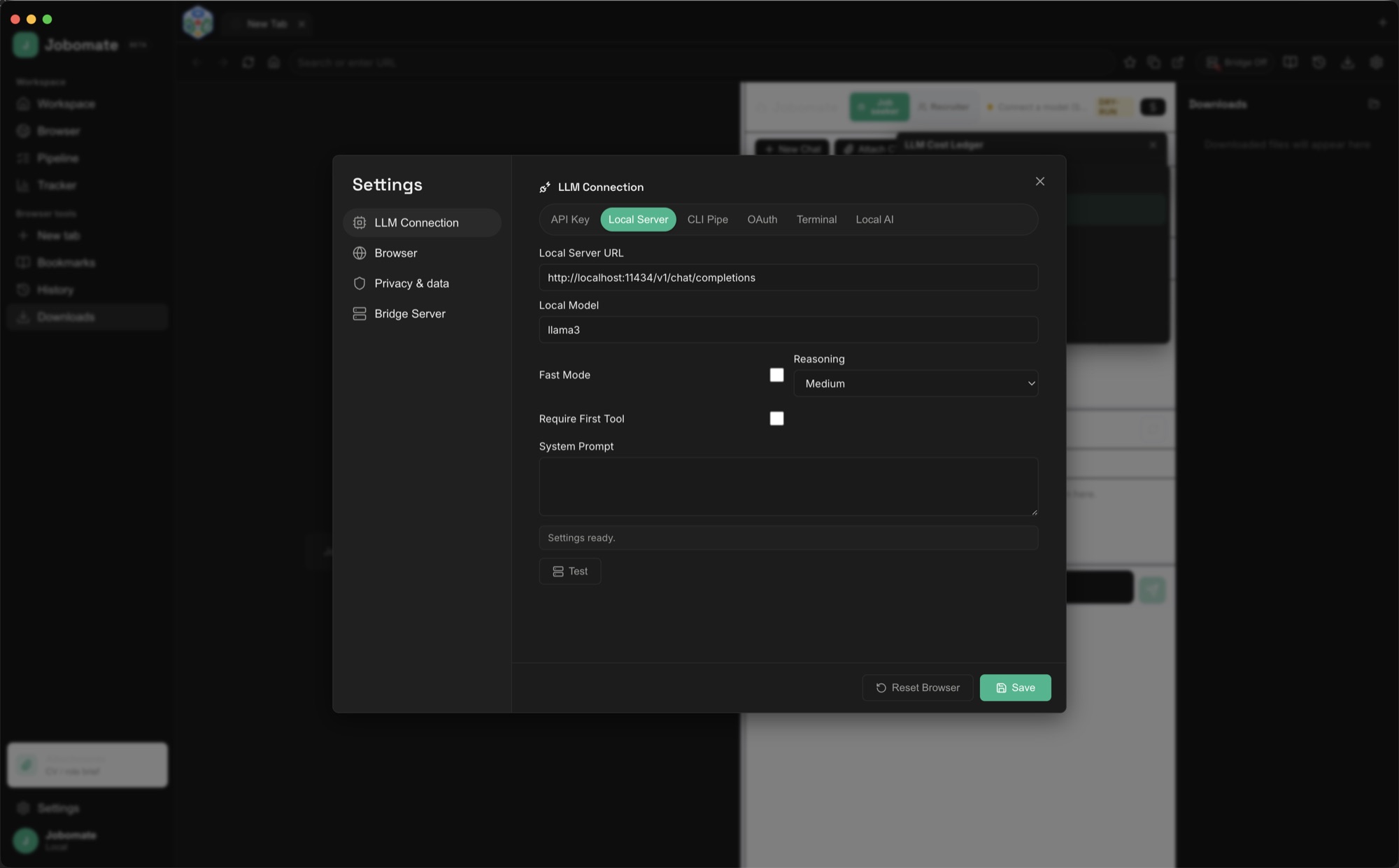
Open Settings → LLM Connection and choose how to connect a model: a cloud API key, an OAuth sign-in, a local server, a built-in local model, a CLI pipe, or a terminal command. Press Test to confirm it answers. The next section covers each option.
Search in the built-in browser
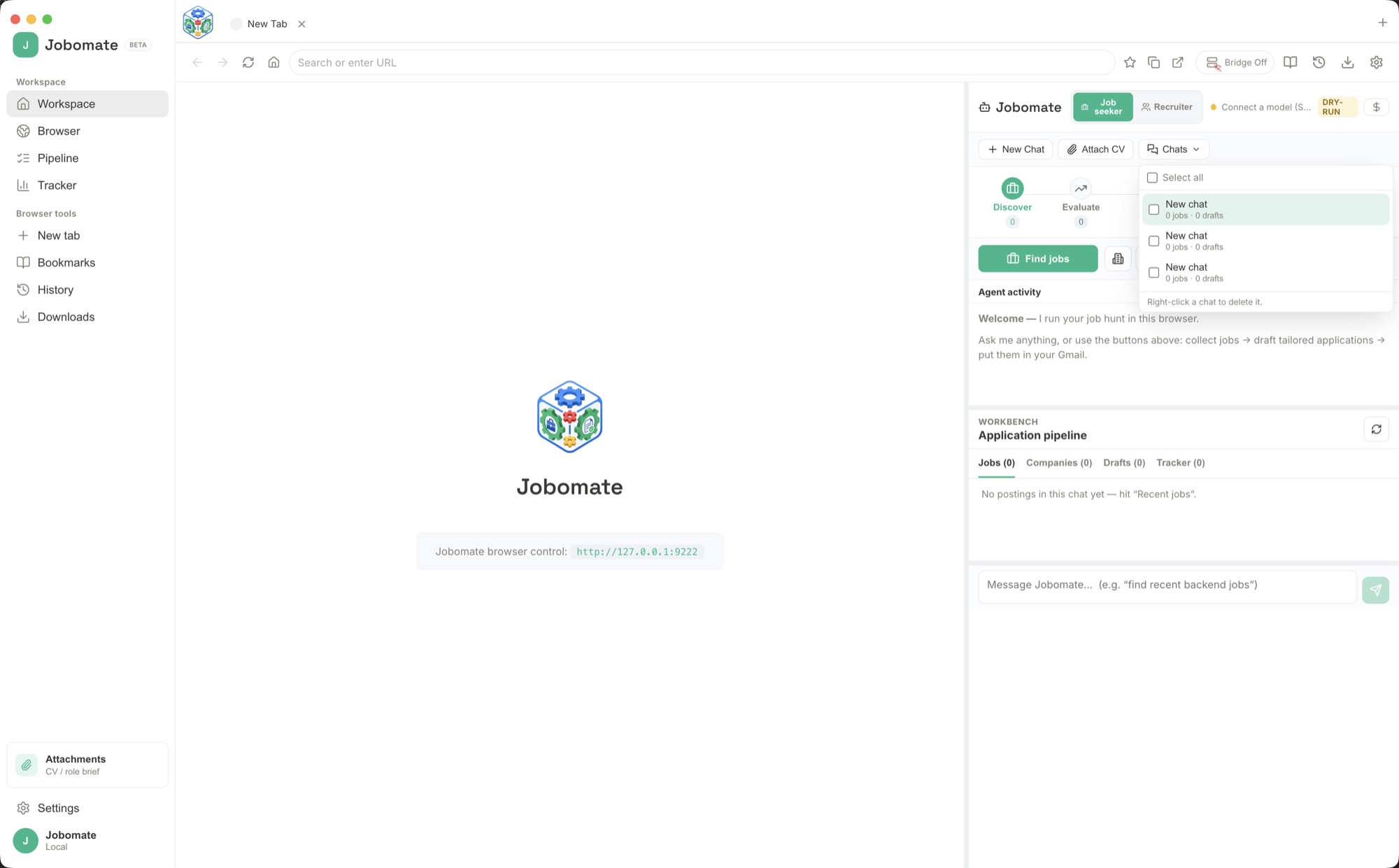
Use the browser on the left like any other: open LinkedIn, Indeed, a company careers page, or a Google search. Then ask the assistant in plain words to find roles or candidates, and it collects matches into the Jobs, Candidates, Companies, and Tracker tabs.
Draft, approve, and send
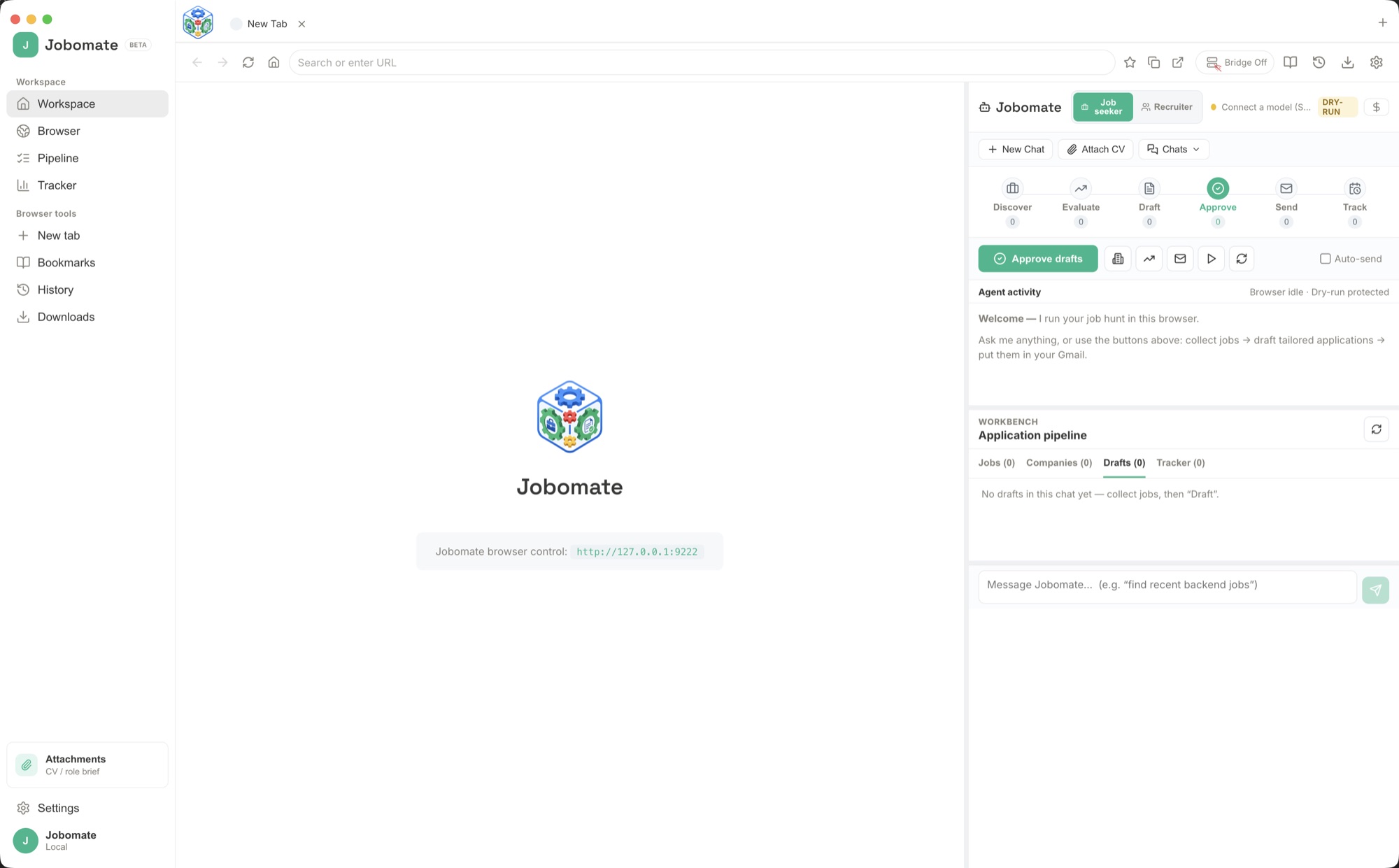
Hit Draft (or Draft outreach) and the assistant writes a tailored email and cover letter for each item. Review them, edit anything, then Approve. Approved messages go to Prepare emails and Send from your own inbox, spaced out so your outreach stays measured.
Stay in control
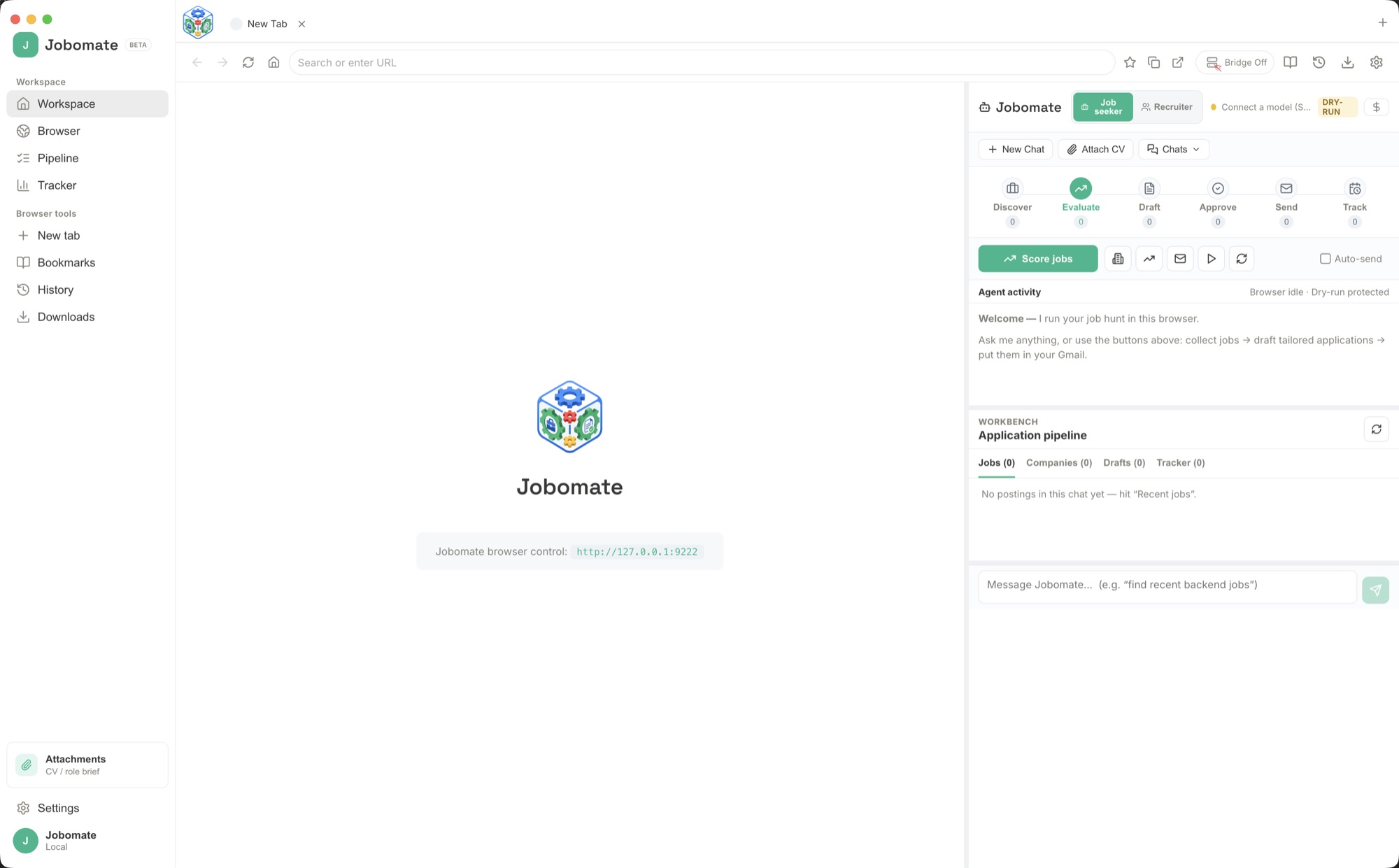
Nothing sends until you approve it, and editing a draft sends it back for re-approval. Auto-send stays off until you turn it on, and Score helps you spot the strongest matches so you spend effort where it counts.
Need the complete workflow manual?
Read the full Jobomate guide for job seeker mode, recruiter mode, CV and role brief setup, AI connections, drafting, approvals, sending, tracking, and troubleshooting.
Read the full Jobomate guide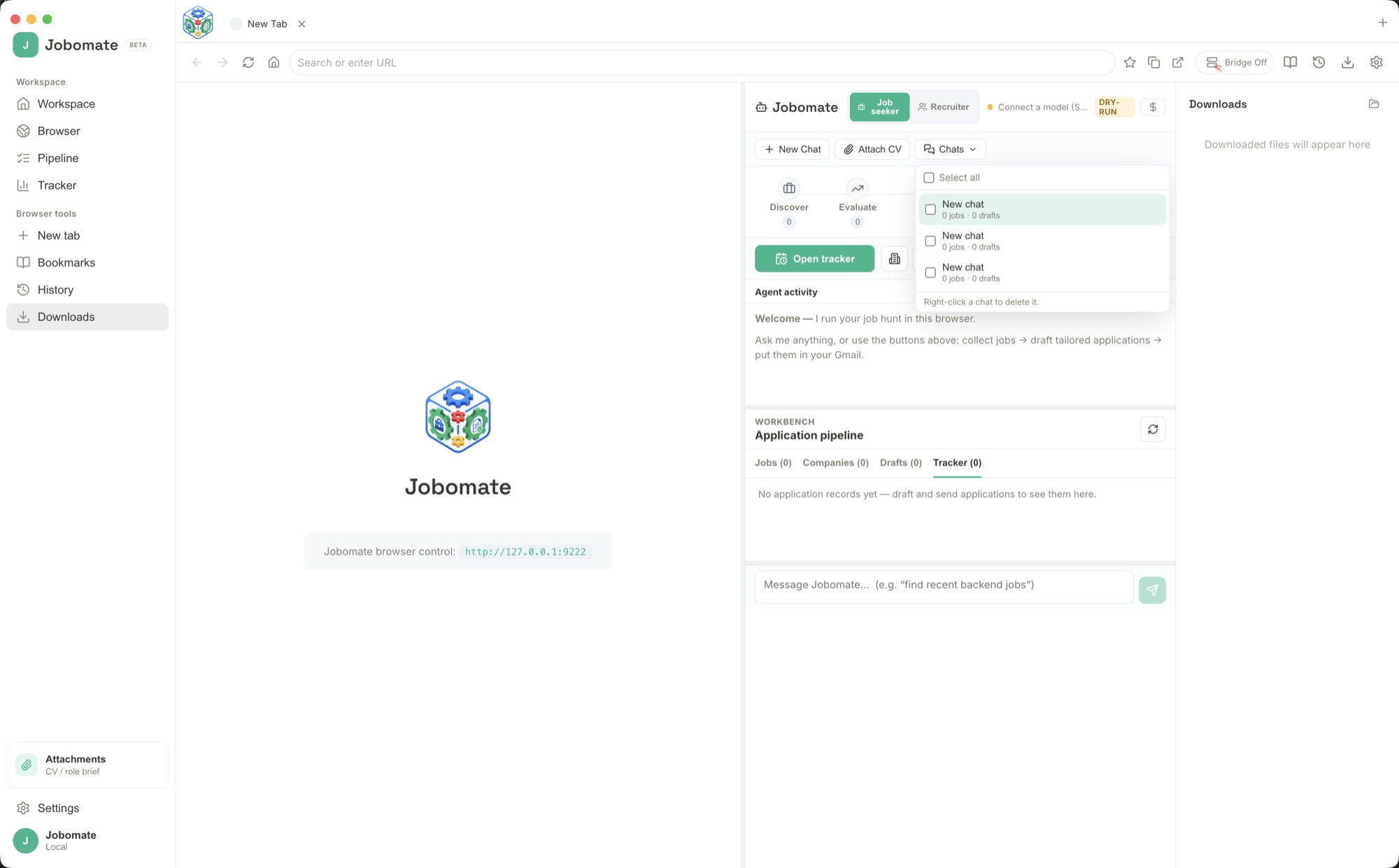
What it can do once an AI is connected.
With a model wired up, the assistant becomes a hands-on helper that actually works the page in front of it, then turns what it finds into messages you can send.
Search and collect
It drives the real browser to find roles or candidates on the sites you already use, then gathers the matches into one tidy, trackable list.
Write it for you
It drafts tailored application emails, cover letters, and recruiter outreach grounded in your CV or brief, in your tone, ready to review.
Prepare and send
Approved messages are prepared and sent from your own email account, with sensible spacing and an audit trail, so you stay measured and in control.
Workflow playbooks
Six real-day Jobomate workflows you can copy.
Jobomate is most useful when you give it real grounding material and ask for a specific outcome. These playbooks show the exact rhythm for job seekers, recruiters, private local AI work, follow-ups, and final approval checks.
Daily job seeker batch
Attach your CV, open one job source, and ask: "Find five roles that match my CV, score each one, and draft applications for the best three. Stop before sending." Review the fit notes, remove weak matches, add one human sentence to each draft, approve only the strongest applications, then prepare sending from your own inbox.
Company target list
Open the careers pages for companies you care about, collect roles into the tracker, and ask Jobomate to compare each posting against your CV. Save notes about the team, product, or location, then draft applications that mention the specific reason you chose that company instead of sounding like a bulk template.
Recruiter sourcing batch
Load a role brief, switch to Recruiter mode, and ask: "Find candidates who match this brief, collect source links, explain the match, and draft outreach for the strongest five. Do not send." Check each profile manually, edit the tone, approve only messages that feel personal, then send in measured batches.
Private local AI session
For sensitive searches, open Settings → LLM Connection, choose Local Server or Local AI, and test Ollama, LM Studio, or a GGUF model before attaching a CV or role brief. Use this mode for private drafts, salary notes, role comparisons, and any search where you do not want personal details sent to a cloud AI provider.
Follow-up review
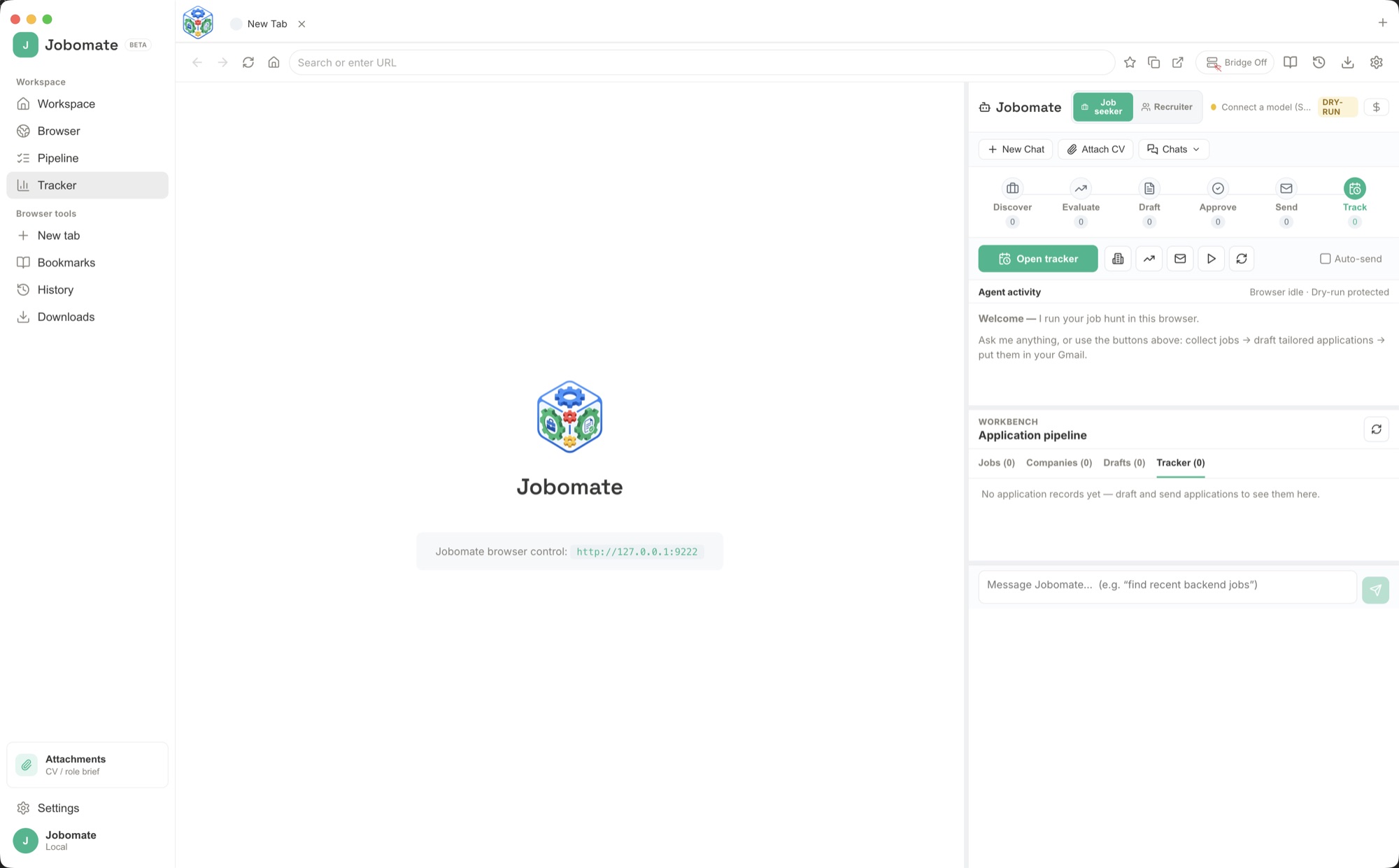
Open the tracker once or twice a week, filter for applications or outreach with no reply, and ask Jobomate to draft short follow-ups. Keep them respectful and specific: one reminder, one useful detail, no pressure. Approve the messages you would happily send yourself, then schedule the next review.
Quality checks before approval
Before approving anything, confirm the draft uses facts that really appear in your CV, portfolio, role brief, or source page. Remove invented claims, fix names and titles, tighten the opening line, and ask whether the message sounds like a careful person wrote it. If not, improve the grounding file and draft again.
When drafts feel generic, fix the source material first.
Add quantified achievements to your CV, clarify must-have skills in the role brief, or add tone notes before asking for another draft. Jobomate becomes more specific when the truth it works from is more specific.
Open the detailed playbooksBring your own AI
Six ways to connect a model, cloud or private.
Jobomate works with whichever AI you prefer. Connect a popular online service in a few clicks, or keep your entire job search private by running a model on your own Mac. Open Settings → LLM Connection, fill in one tab, and press Test.
API Key
Paste a key from OpenAI, Anthropic, Google, DeepSeek, and other major providers, then pick the model you want it to use.
Local Server
Point Jobomate at an OpenAI-compatible endpoint such as Ollama or LM Studio, for example http://localhost:11434/v1/chat/completions with a model like llama3, so nothing leaves your machine.
Local AI
Load a GGUF model file straight into Jobomate and run it fully offline on-device, with a context size you choose. No server, no internet, no setup.
OAuth
Sign in to work providers like Google Vertex through a secure flow, instead of pasting a raw key.
CLI Pipe & Terminal
For power users: route prompts through a command template such as ollama run llama3 "{prompt}", or any terminal command, and Jobomate captures the reply.
Send from your inbox
Connect your own email so approved applications and outreach send from your real account, only after you have tested it.
See it in action
A look inside Jobomate.
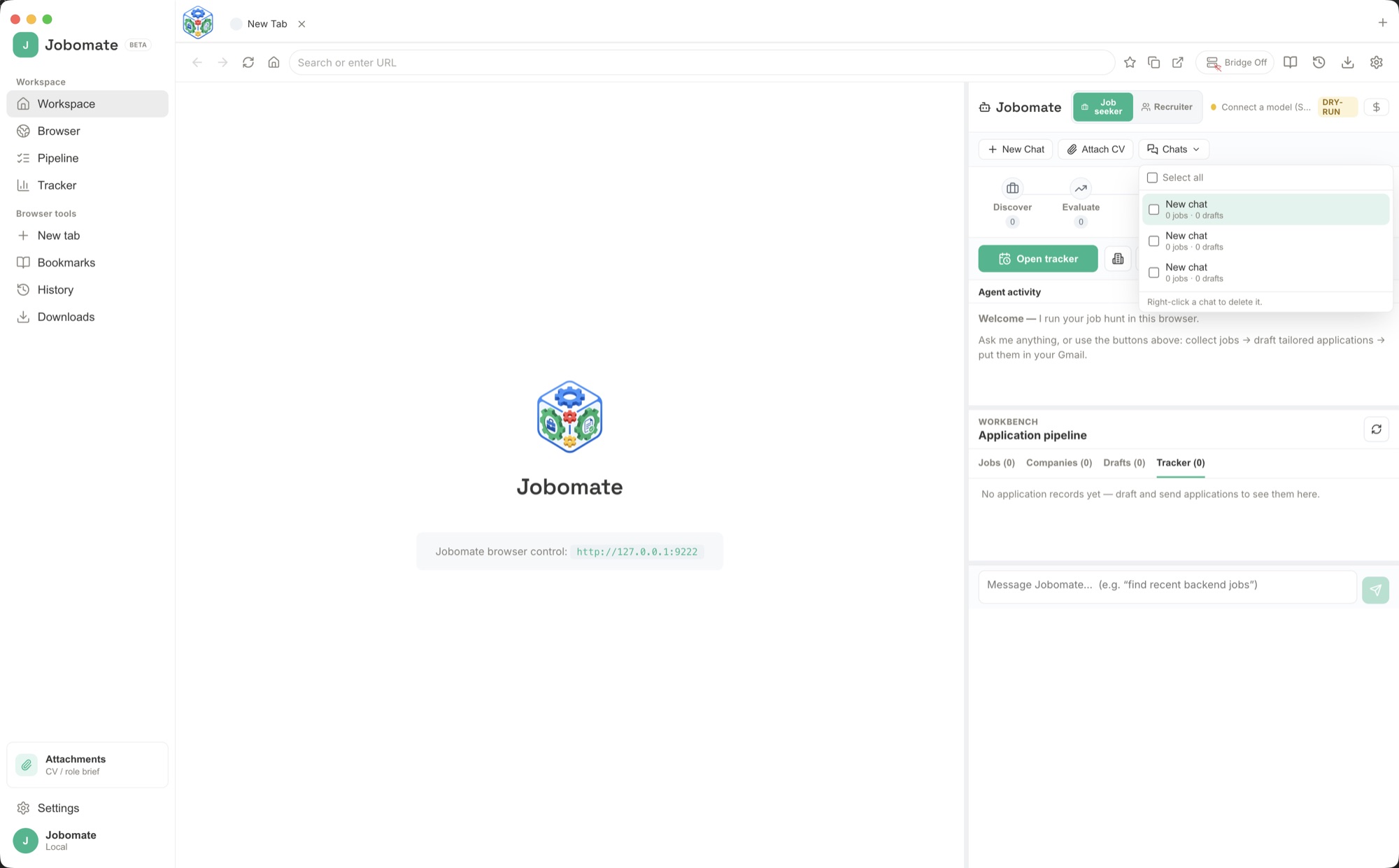
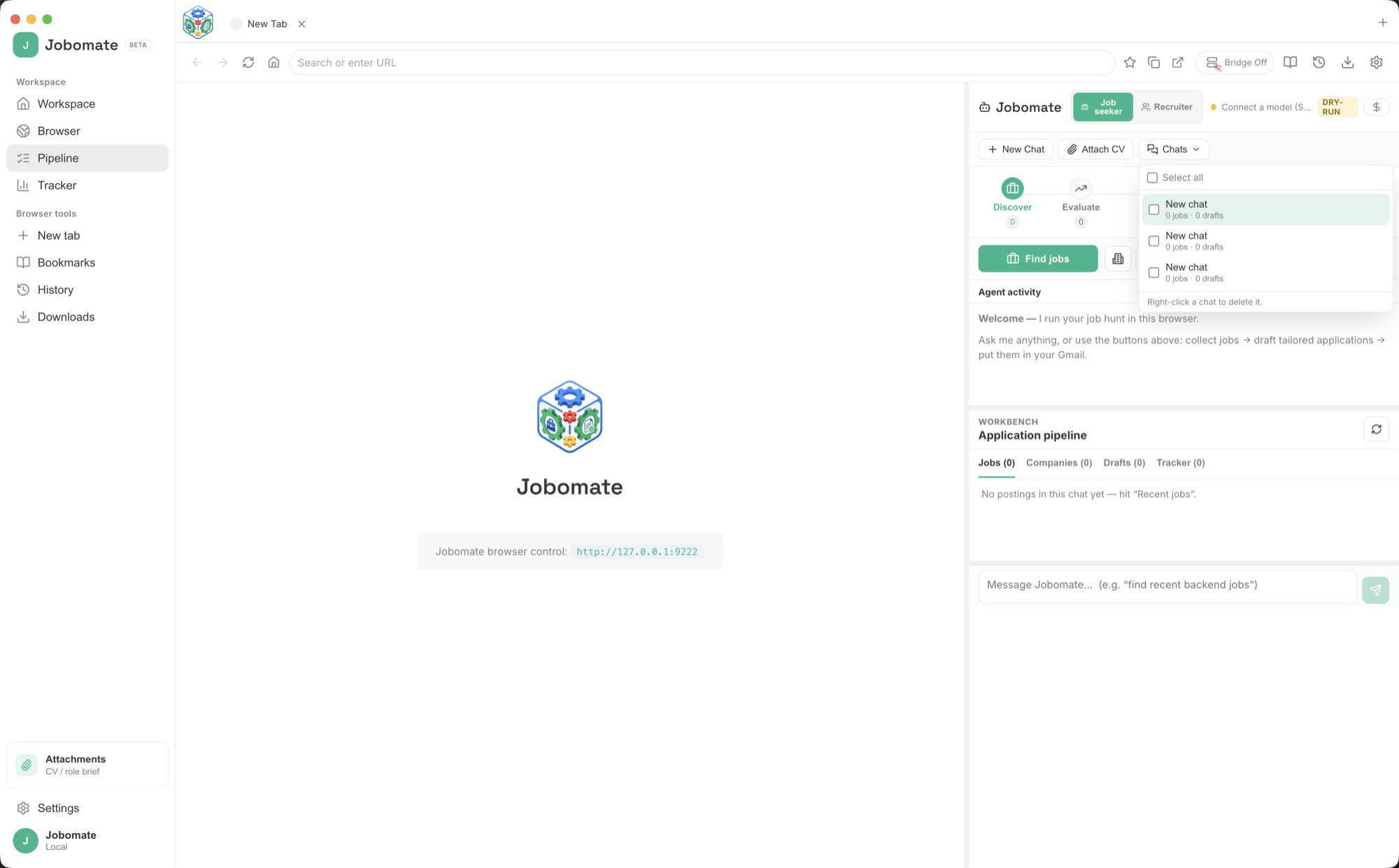
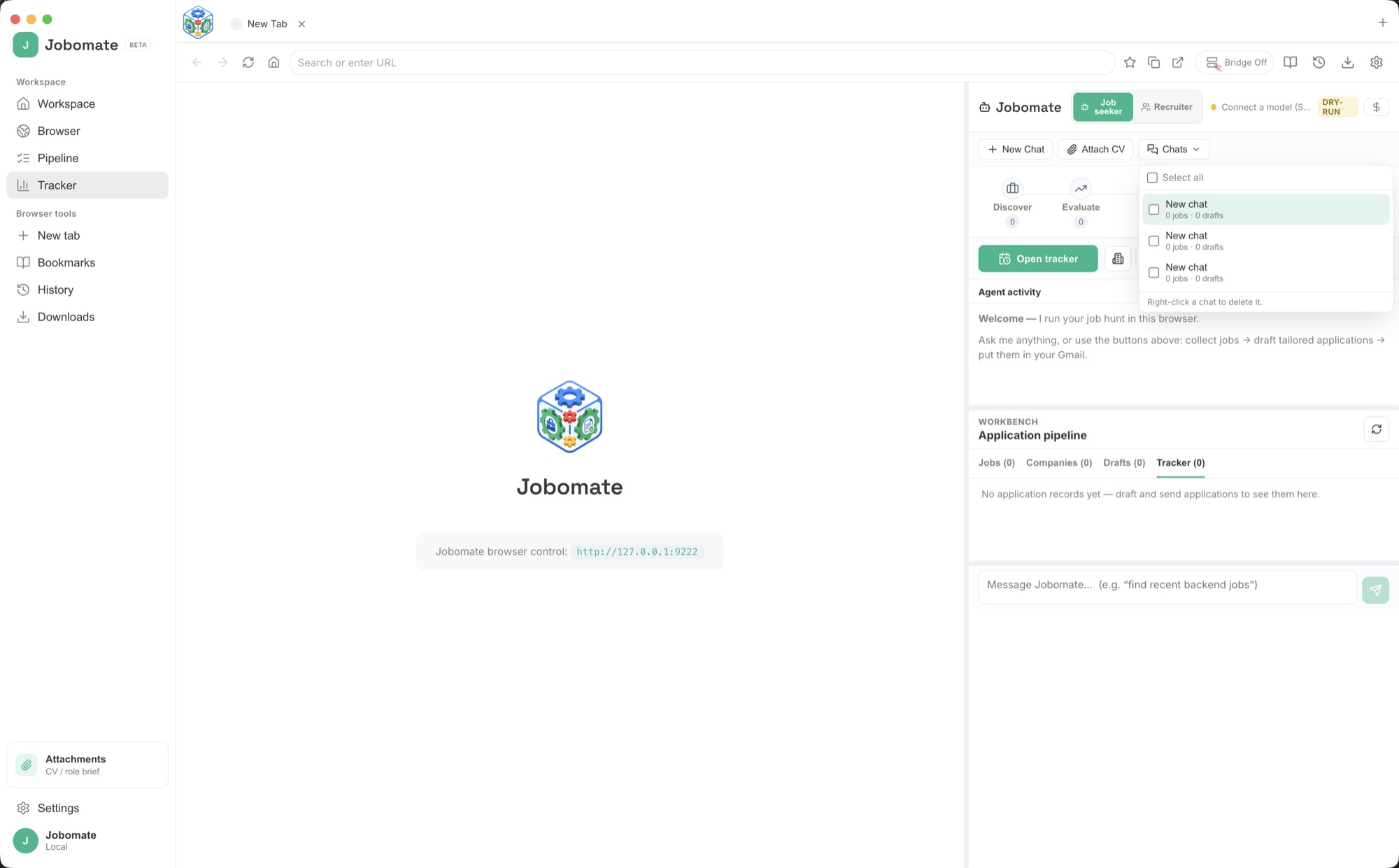
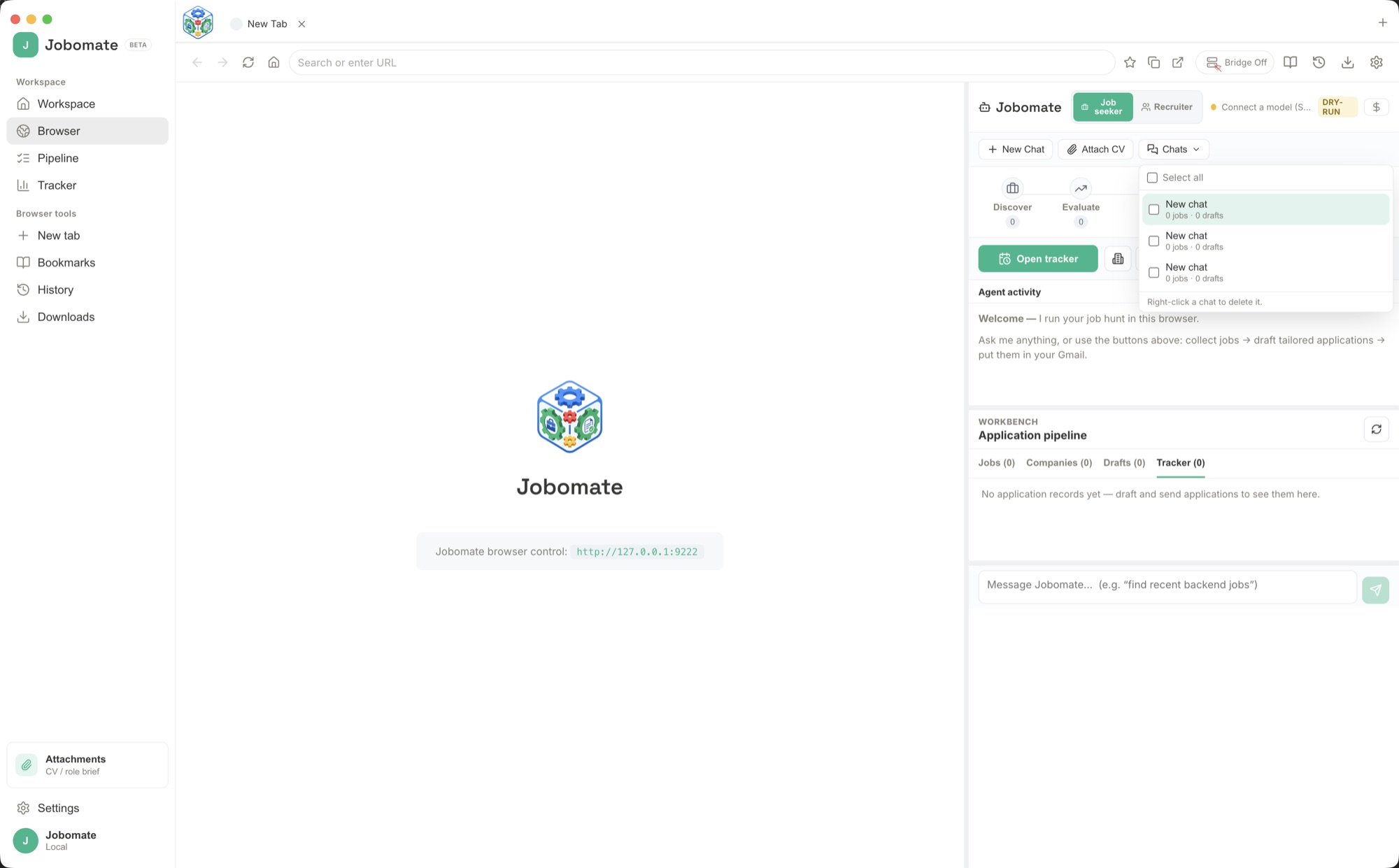
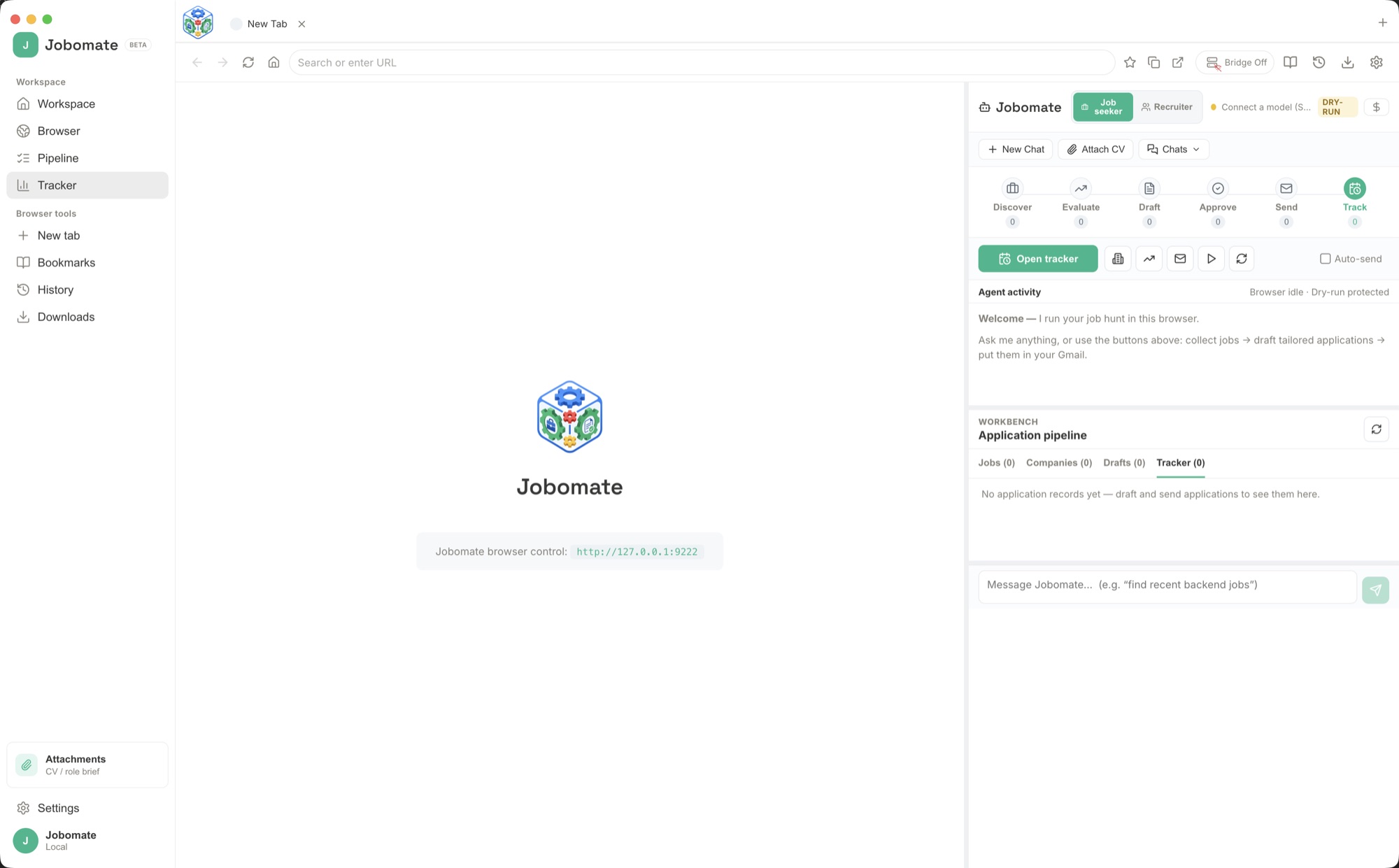
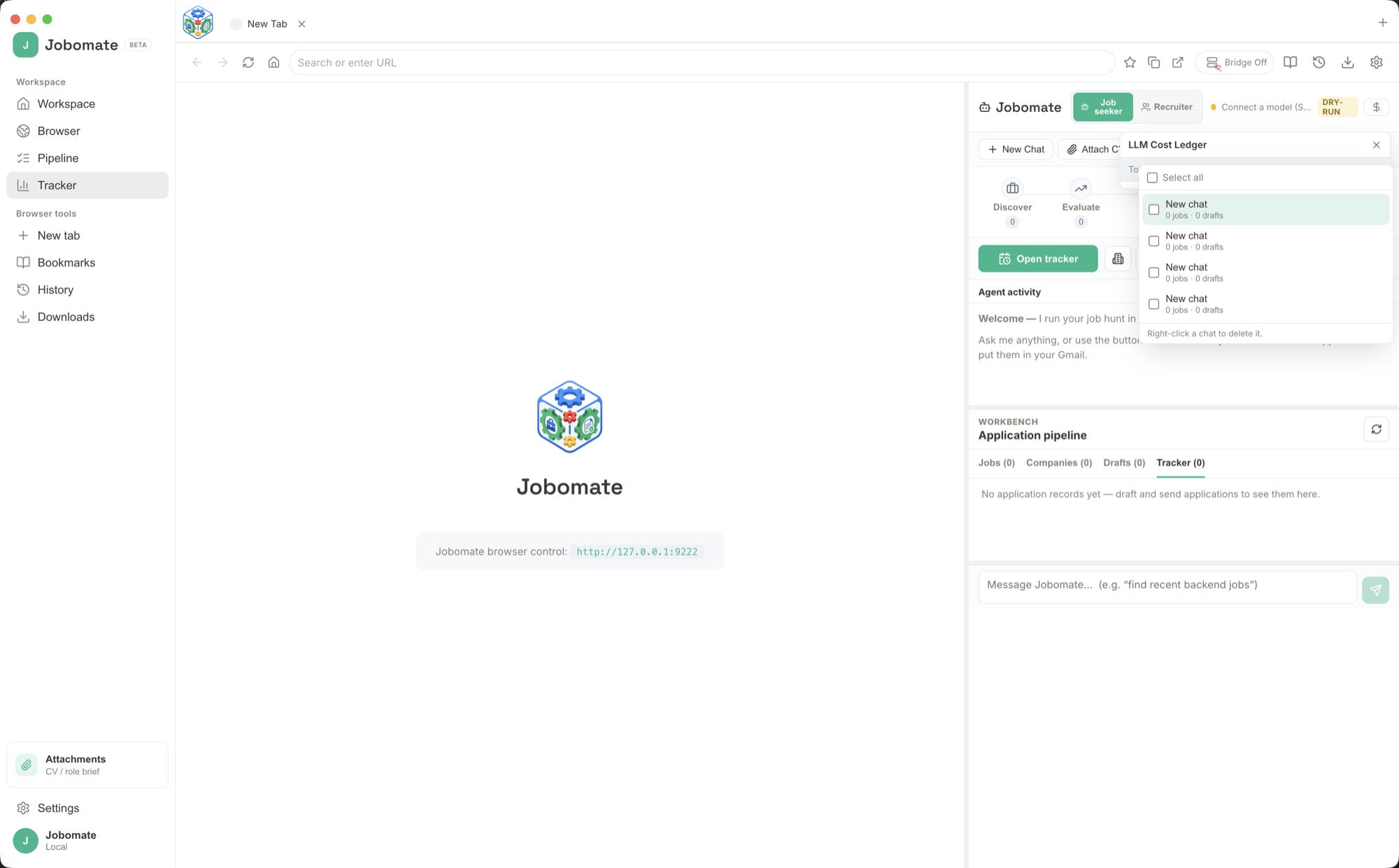
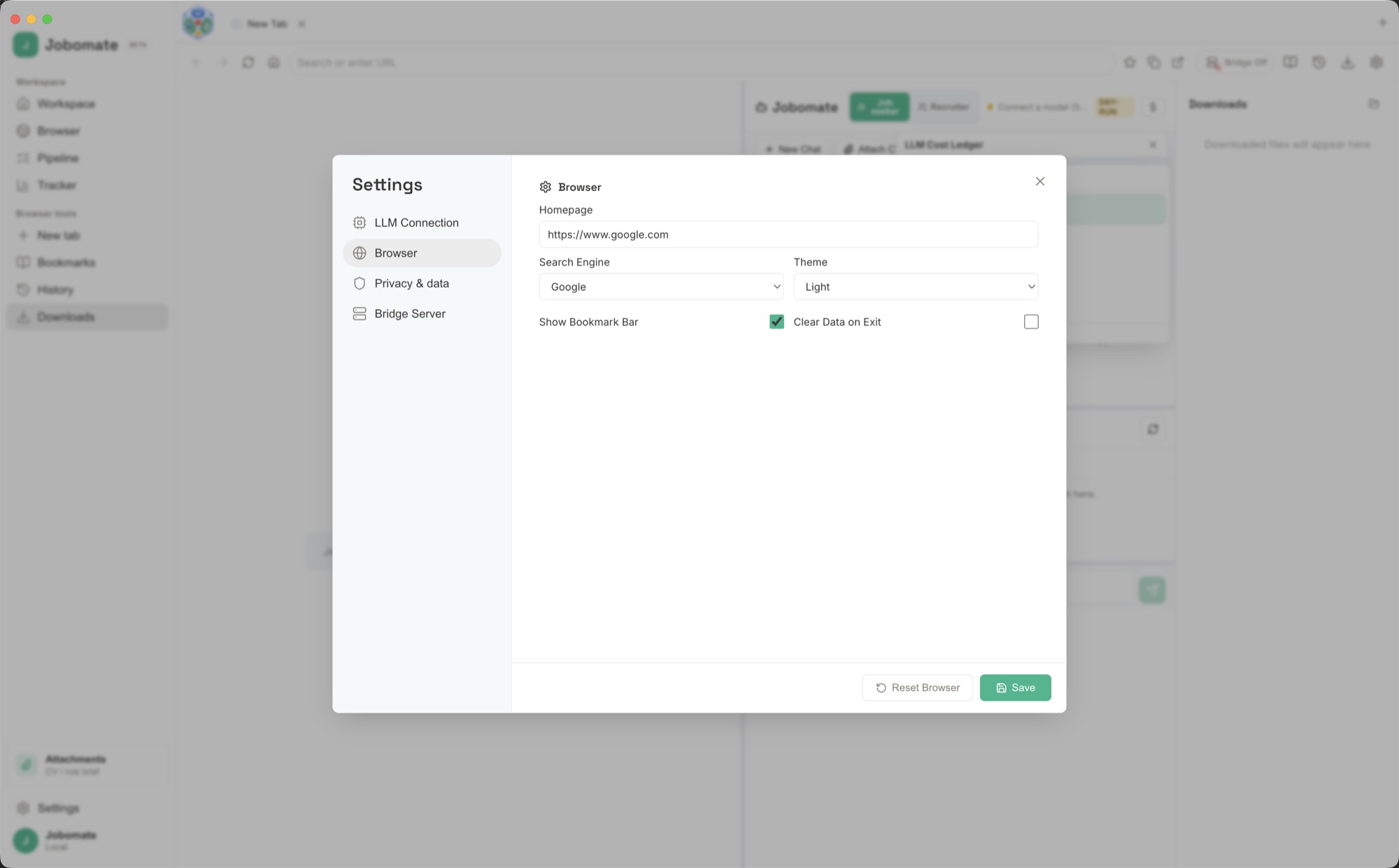
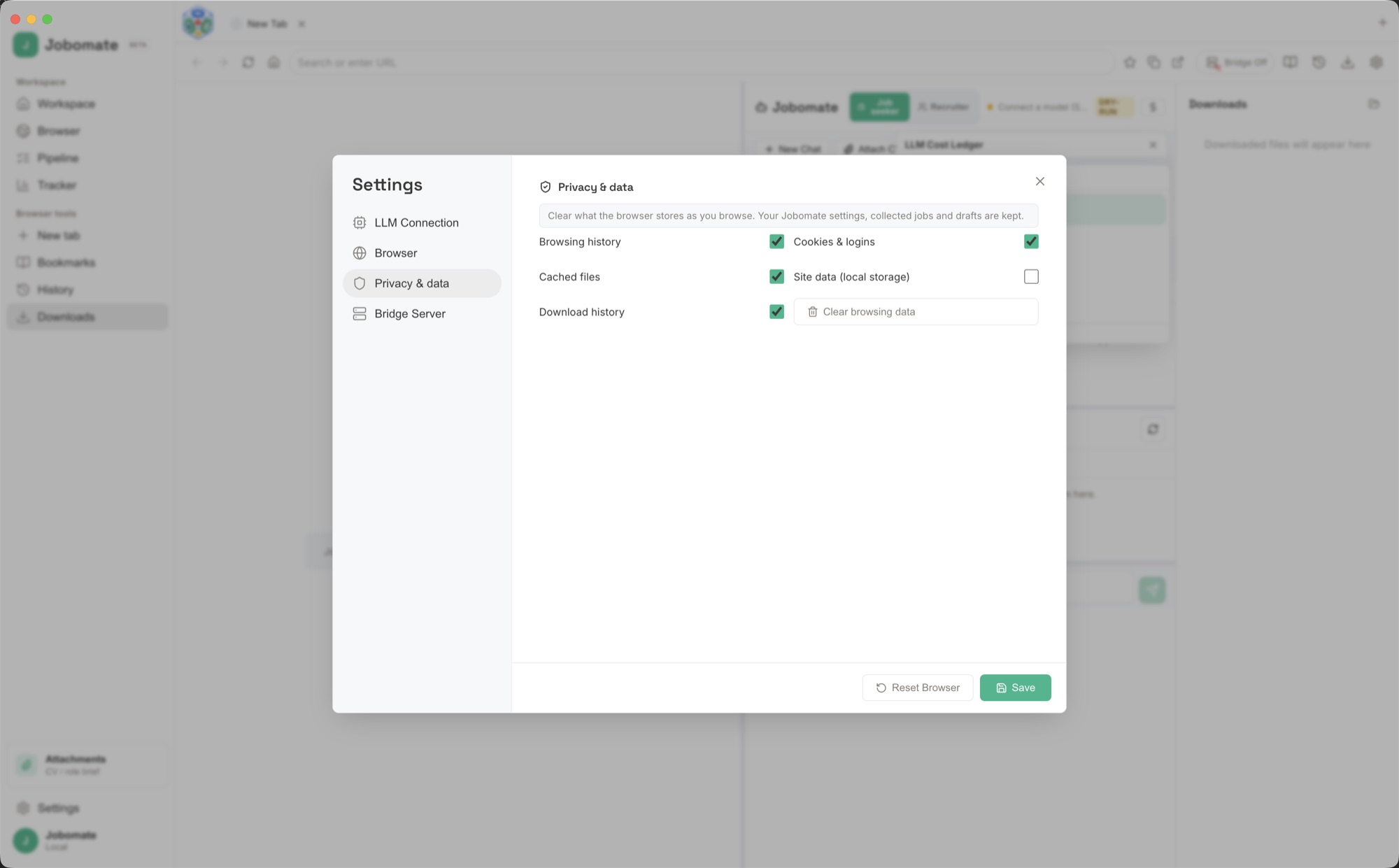
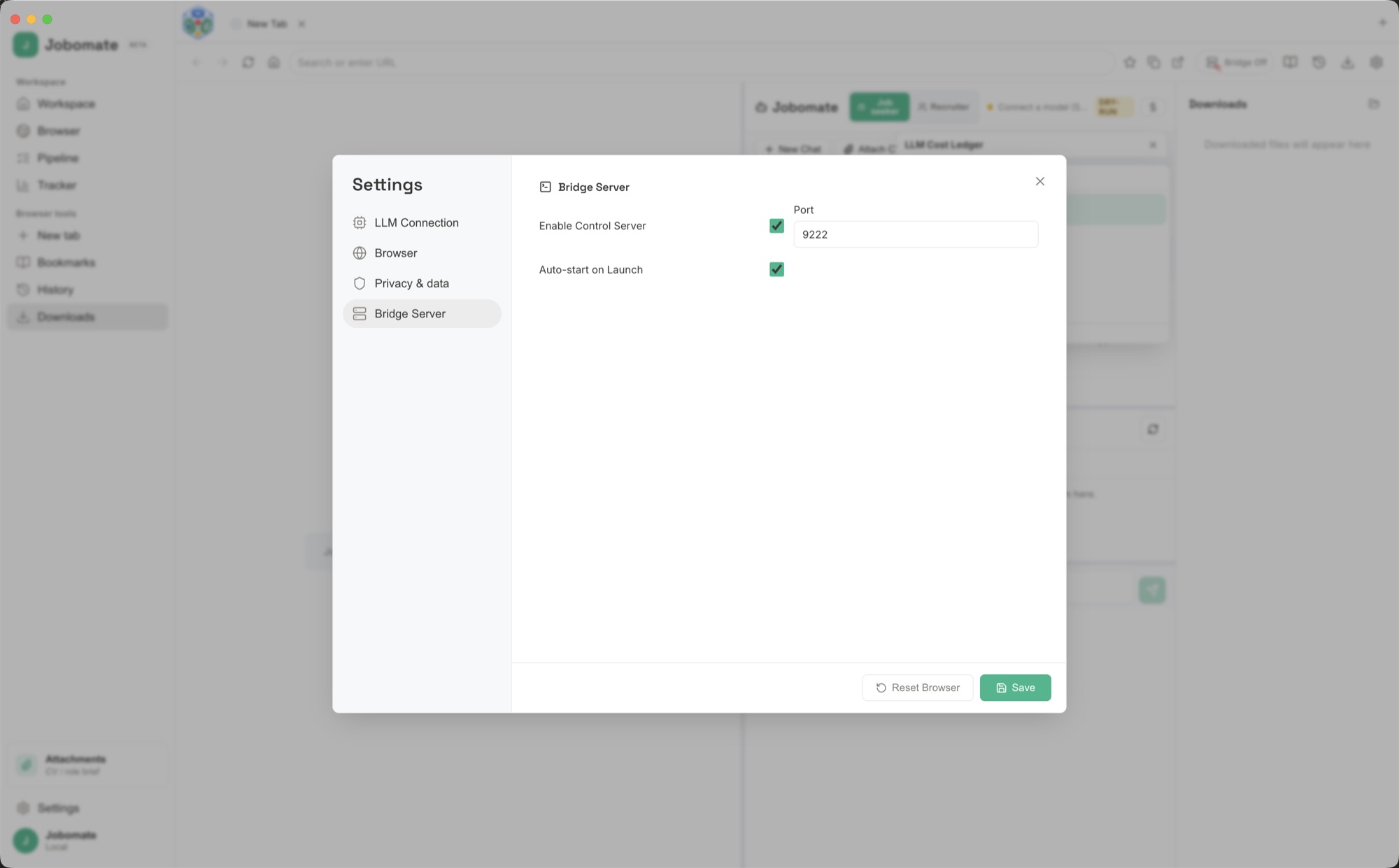
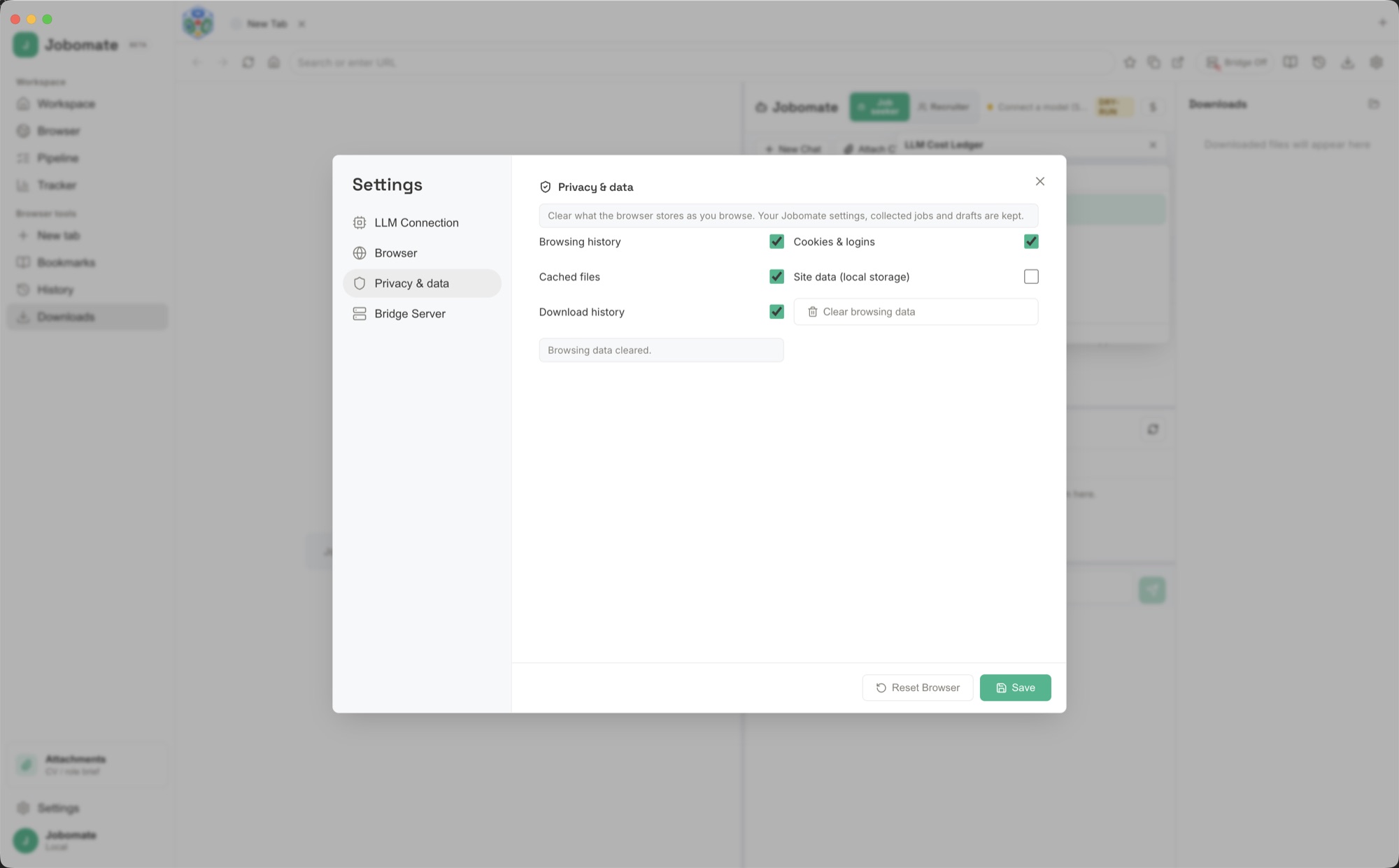
Real screenshots of both modes, the connection options, and the settings that keep the built-in browser tidy and private. Click any image to see it full size.
Questions
Frequently asked questions about Jobomate.
What does Jobomate do?
Jobomate is a desktop app that pairs a real web browser with an AI assistant. In Job seeker mode it finds roles that fit, drafts a tailored application email and cover letter for each one grounded in your CV, and helps you apply. In Recruiter mode it sources candidates from a role brief and drafts personalised outreach. In both modes you read and approve every message before it sends from your own email account. Learn more about Jobomate as an AI job application assistant and as an AI cover letter generator that writes from your CV. For hiring teams, see Jobomate as an AI recruiting assistant for sourcing, screening, and outreach.
How do I set Jobomate up?
Install the app, pick Job seeker or Recruiter mode, then attach your CV or load a role brief so drafts are grounded in real detail. In Settings, open LLM Connection and connect the AI you want using an API key, an OAuth sign-in, a local server such as Ollama or LM Studio, a built-in local model file, a CLI pipe, or a terminal command, and use Test to confirm it works. Then browse to job sites in the built-in browser and ask the assistant to find, draft, and prepare applications or outreach.
How does Jobomate connect to an AI model?
There are six connection types in Settings under LLM Connection. API Key connects hosted providers such as OpenAI, Anthropic, Google, and DeepSeek. OAuth signs in to work providers like Google Vertex. Local Server points at an OpenAI-compatible endpoint such as Ollama or LM Studio (for example http://localhost:11434/v1/chat/completions with a model like llama3). Local AI loads a GGUF model file and runs fully on-device. CLI Pipe and Terminal route prompts through a command you define. To keep your search private, use Local Server or Local AI so nothing leaves your Mac.
Will Jobomate send anything without my approval?
No. Jobomate drafts everything, but each message waits on the approval wall until you read and approve it. Approved messages are prepared and sent from your own email account, with spacing and limits so your outreach stays measured. Auto-send is optional and off until you choose it.
Which operating systems does Jobomate run on?
Jobomate is a desktop app for macOS, and your CV, collected jobs or candidates, and drafts stay on your own Mac.
Support the project
Try Jobomate and support the project.
Donate $10 to download one app or $20 to download two different apps. Your support helps keep the project going, and each download link is single-use.
JobomateDonateA $10 donation downloads one app; $20 downloads two different apps from the catalog.
Get the software
Support the project and download a build.
Choose $10 to download one app or $20 to download two different apps, pick your platform, and download a real installer right after checkout. Each link is single-use and time-limited.